DashBreaker : Missile Circus
A downloadable game for Windows
Free Demo — September 16, 2026 Update
The latest Windows demo is here! Read the missile trails, find an opening, and turn a piercing dash into a counterattack. This standalone download does not require Steam.
Download the Windows demo below
Wishlist the full game on Steam
Prefer Steam? Play the free Steam demo
Small Pixel Ship, Massive Missile Trails
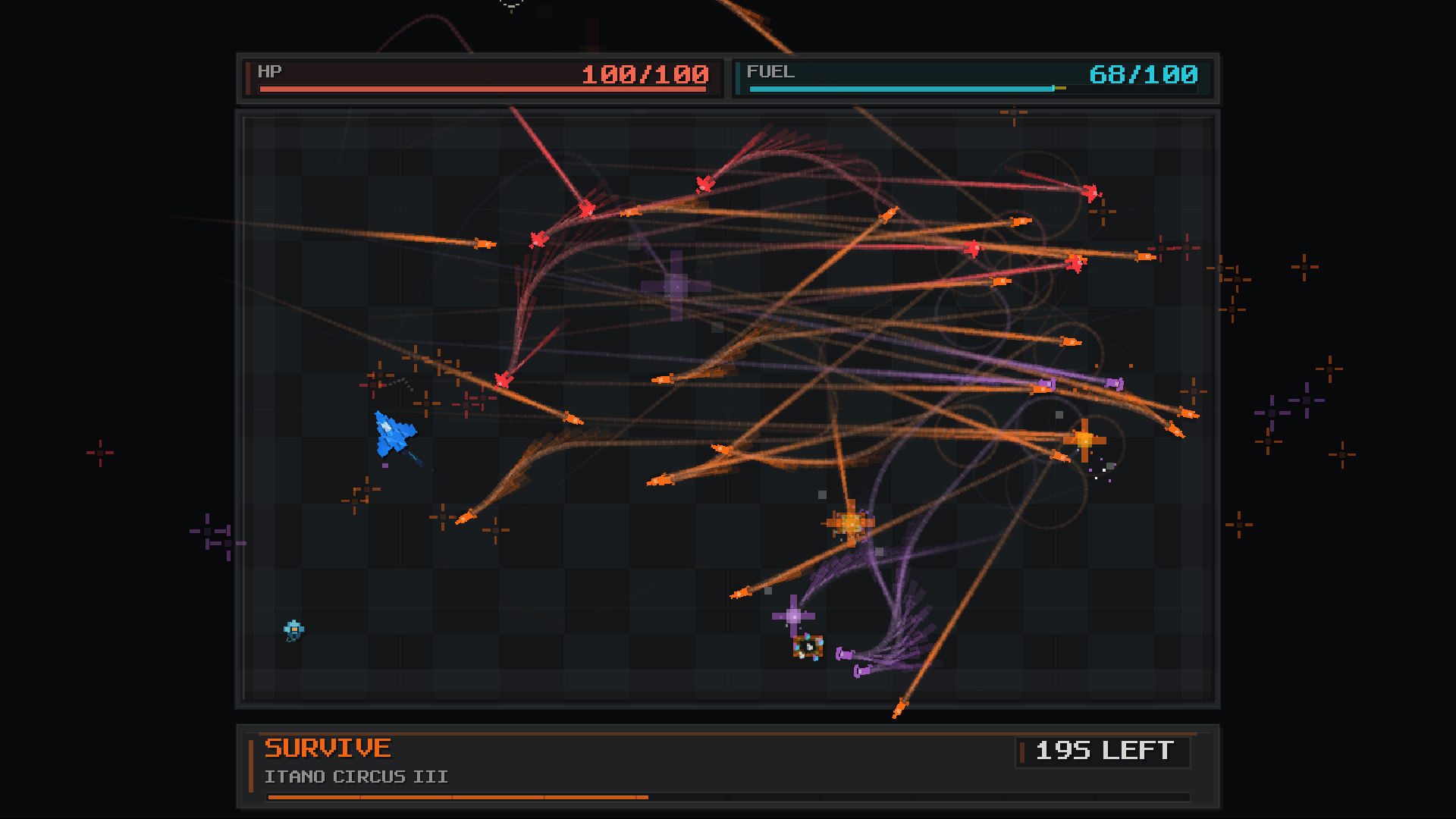
DashBreaker brings a tiny pixel ship and massive missile trails together on a single battlefield. Crisp silhouettes and a restrained color palette keep threats and movement easy to read, even when missiles fill the board.
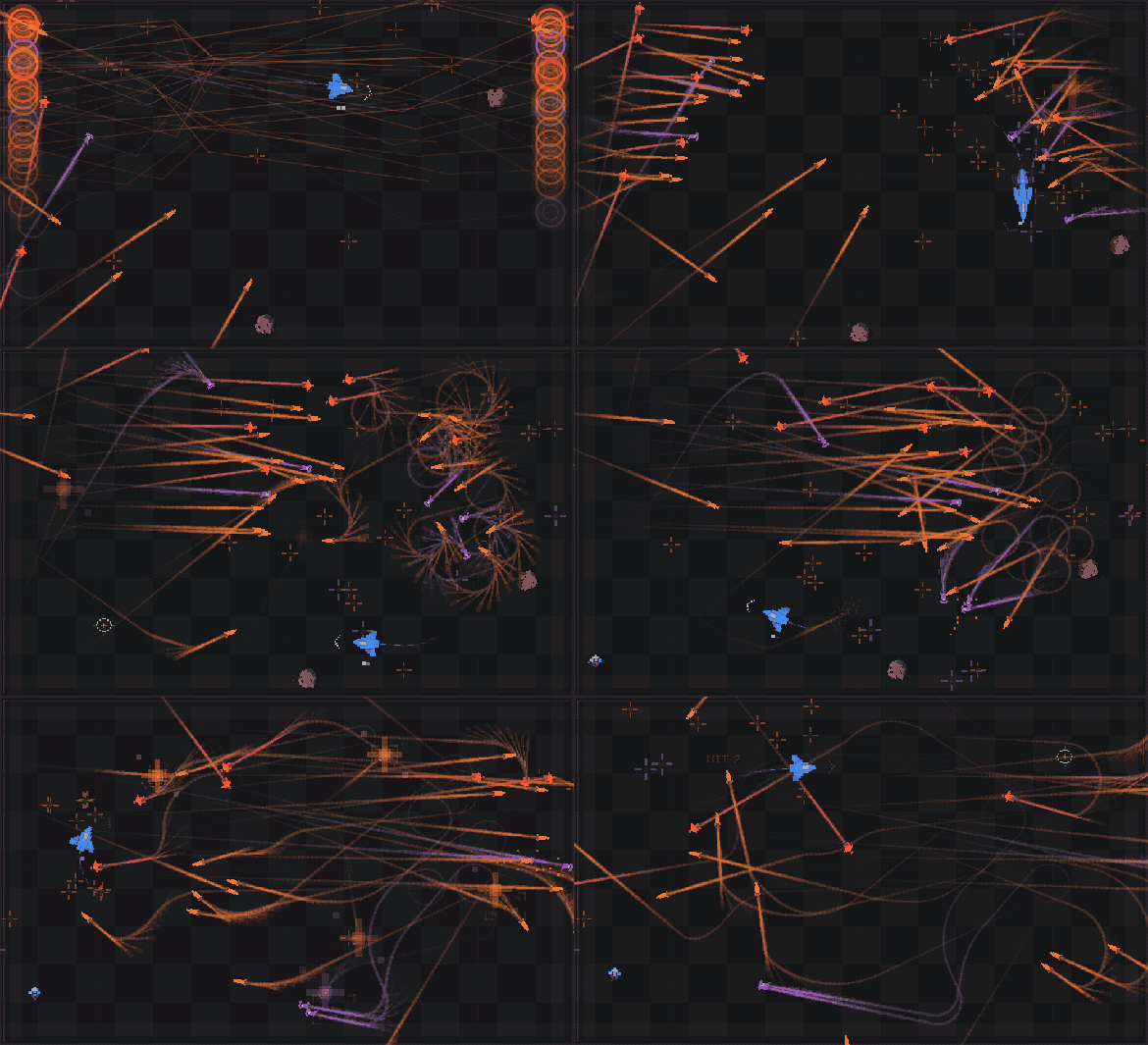
No Safe Route Stays Safe for Long
Missiles curve, cross paths, and close in from different directions. Watch their trajectories and slip through the opening before it closes. Manage your fuel and choose when to boost, wait, or dash.
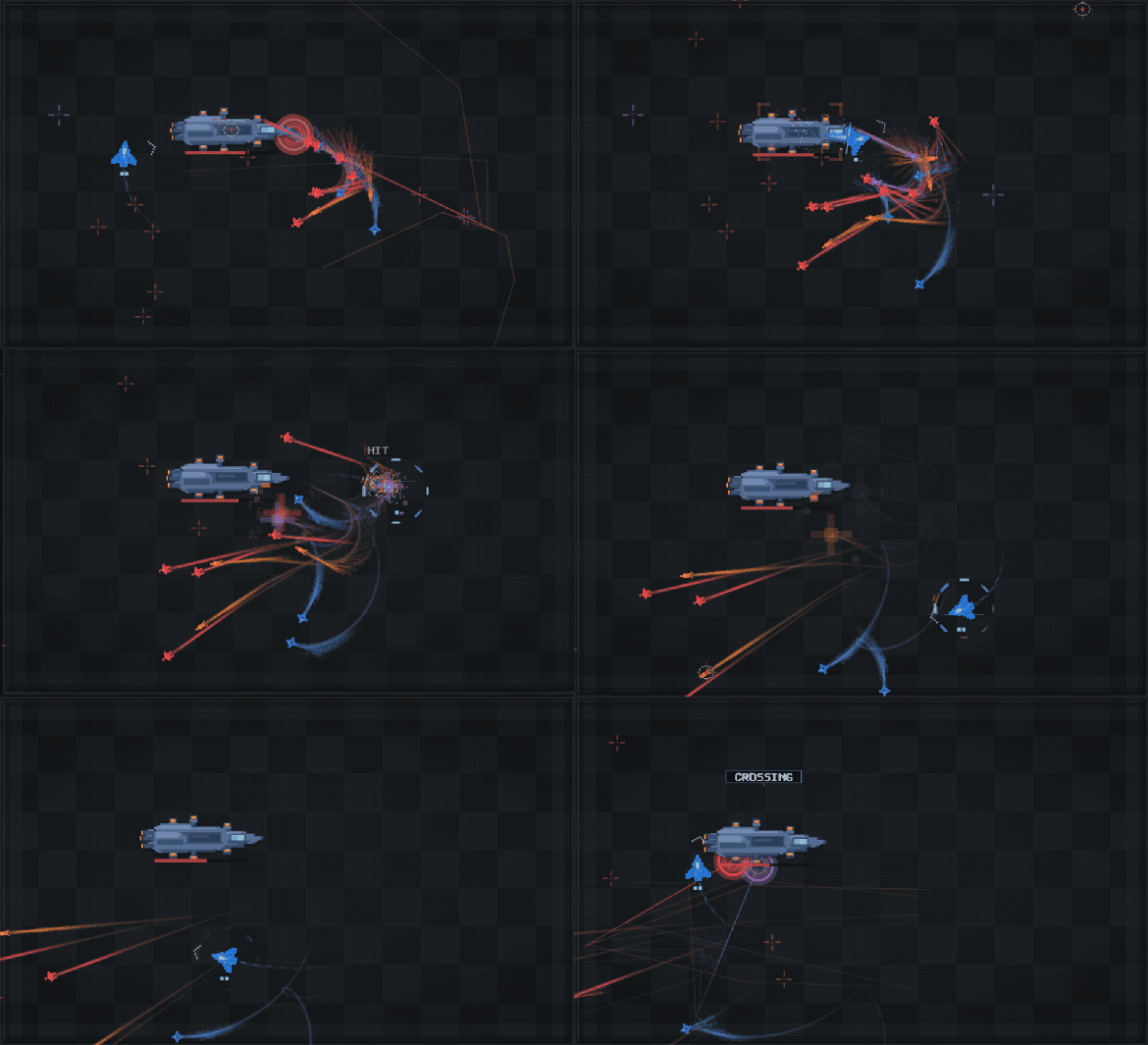
Dash Straight Through the Carrier
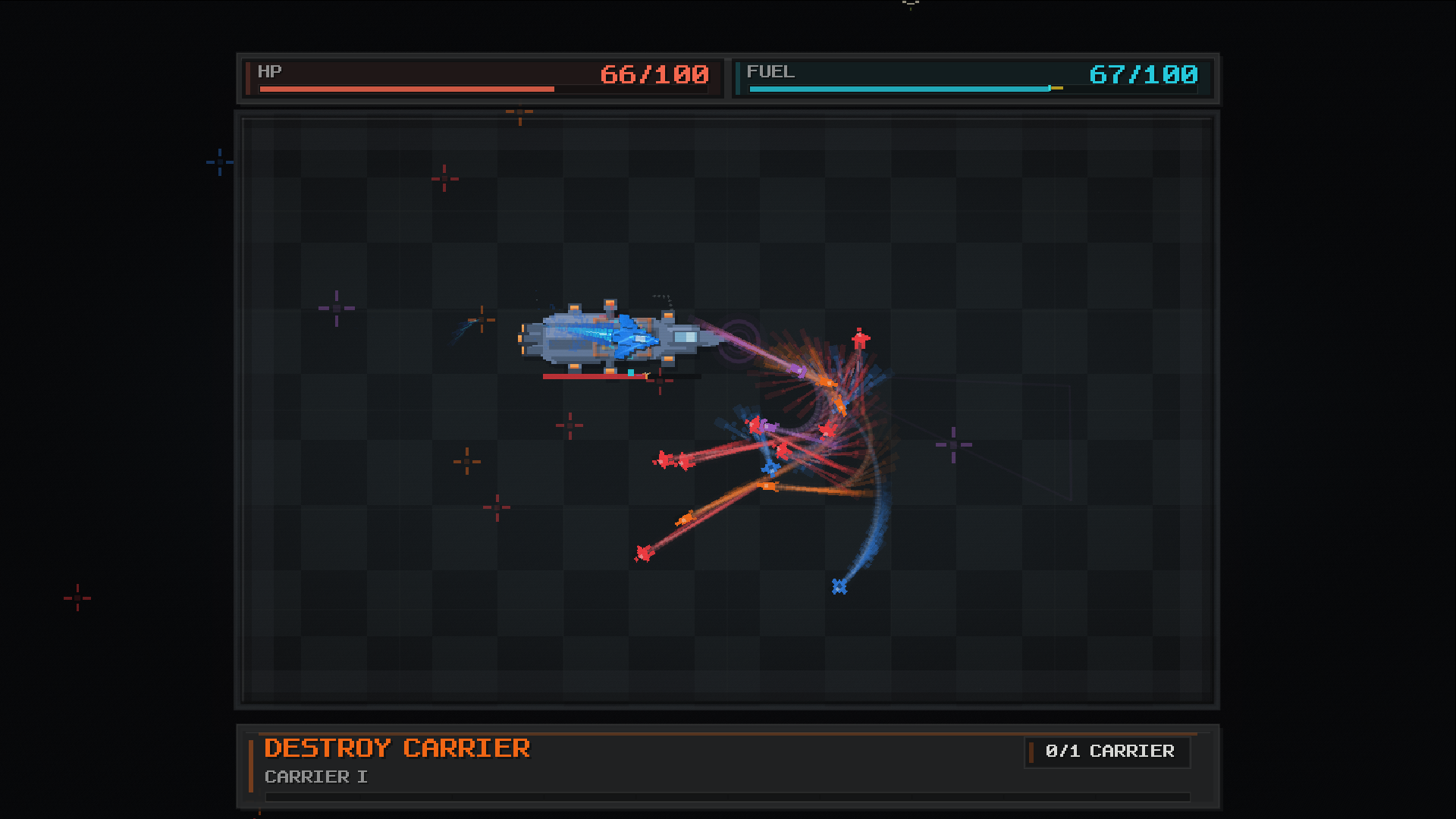
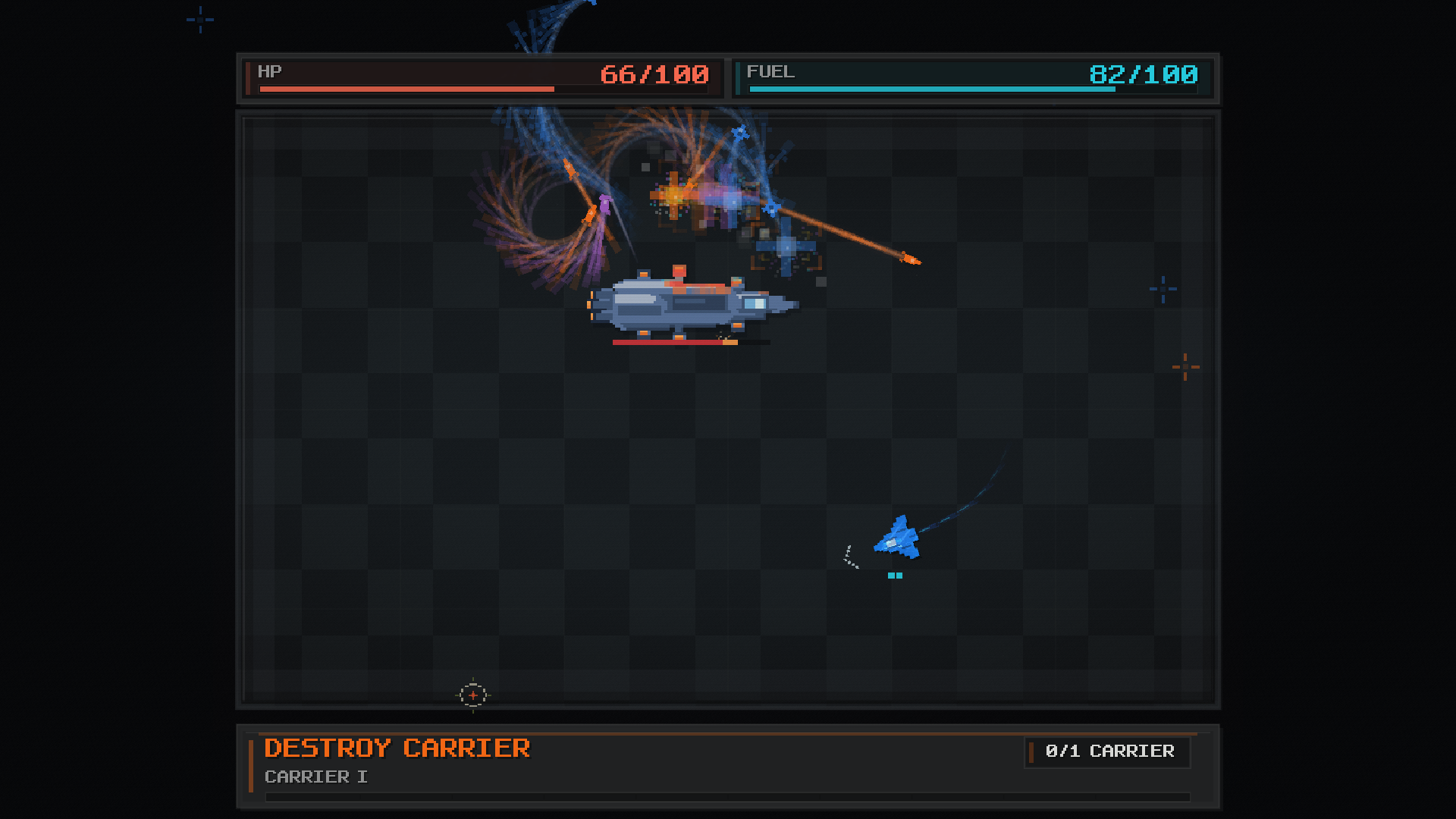
A piercing dash turns danger into a chance to attack. Line up with the Carrier, commit at the right moment, and pass straight through its hull.
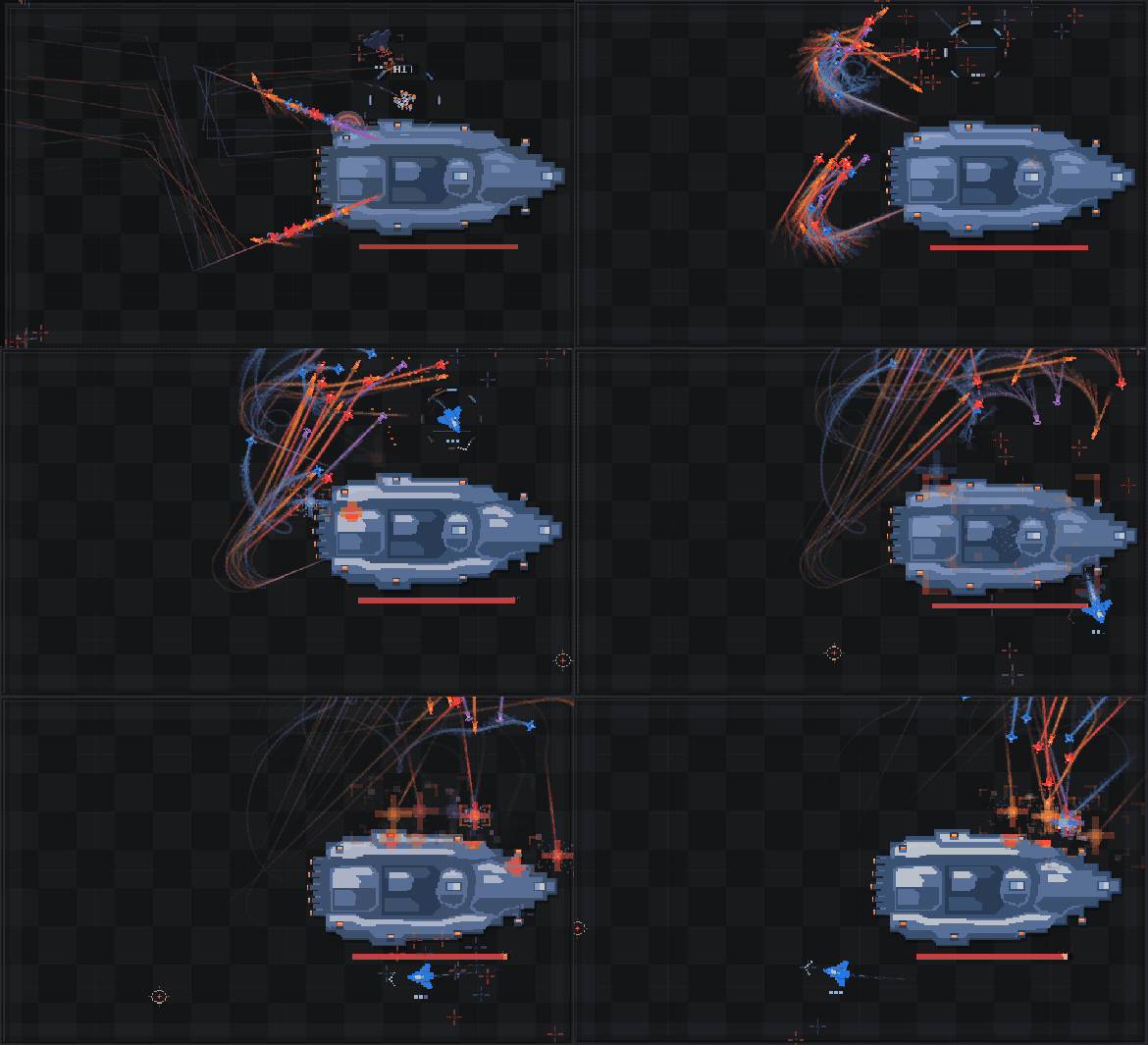
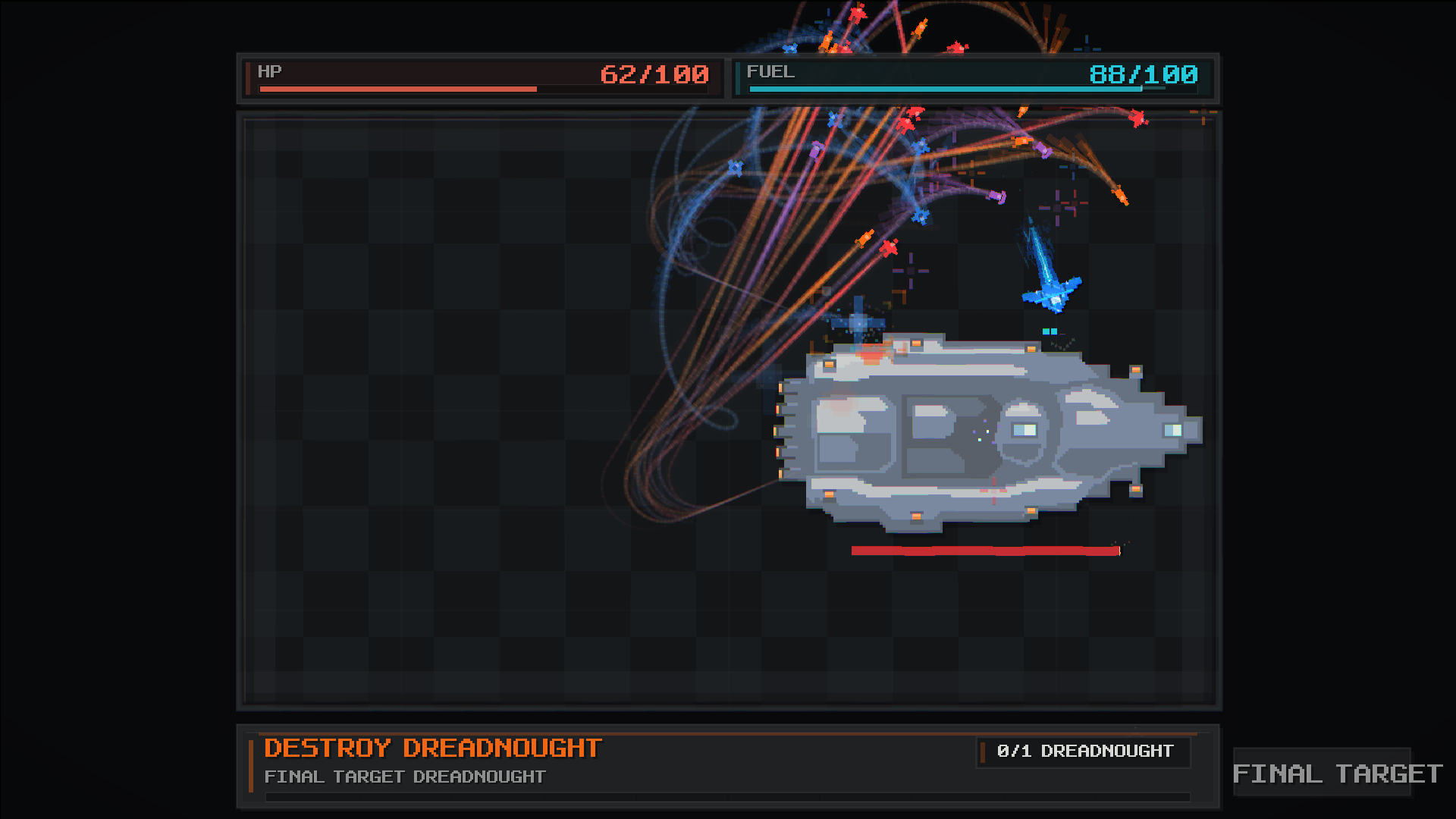
Face the Dreadnought
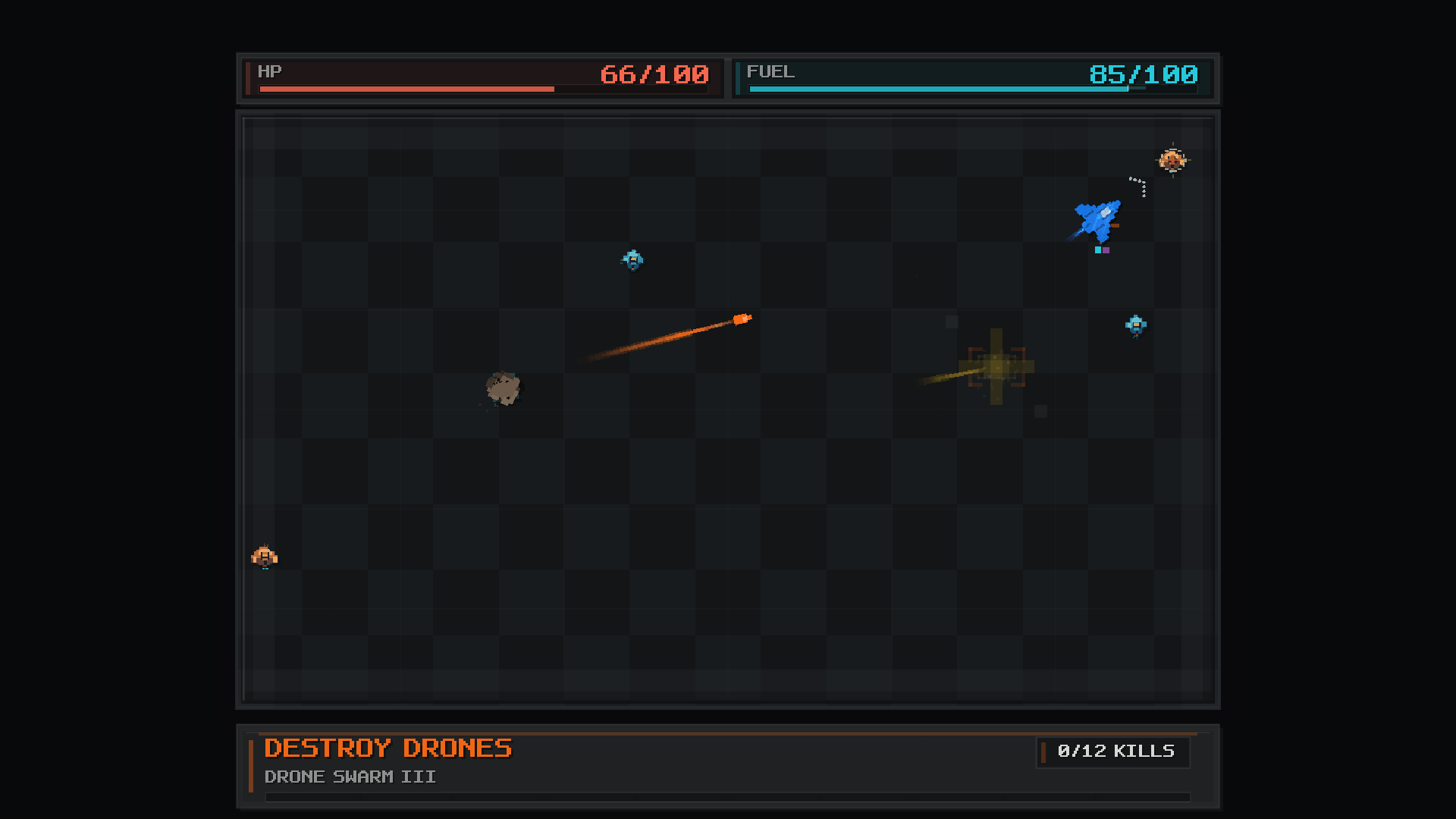
Fight through handcrafted arcade sectors, from drones to the Carrier and the final Dreadnought. Take on a massive warship as streams of missiles sweep across the board.
In This Demo
- A single-player ARCADE route, from movement, piercing and equipment training to drones, carriers and a dreadnought.
- Pierce Dash-focused combat with survival and power equipment. Choose equipment and allocate upgrade power before each sortie.
- Fuel and repair pickups, sector objectives, portals, and saved progression.
- Windows PC with keyboard, keyboard + mouse, mouse flight, and gamepad controls.
- 17 interface languages, selectable at first launch or in Settings.
Languages: English, Korean, Japanese, Simplified Chinese, Traditional Chinese, Russian, German, French, Italian, Spanish (Spain), Spanish (Latin America), Portuguese (Brazil), Portuguese (Portugal), Polish, Turkish, Finnish, Indonesian.
The itch.io build saves locally. Steam Cloud applies to the Steam version; the itch.io download does not automatically sync progress through Steam.
Controls
Keyboard Only — default
Move: WASD / Arrow Keys
Dash: Space, in your movement direction
Booster: Hold Shift
Keyboard + Mouse — select in Settings → Controls
Move: WASD / Arrow Keys
Dash: Left Mouse / Space, toward the cursor
Booster: Hold Right Mouse / Shift
Mouse Flight — select in Settings → Controls
Move: Follow the mouse cursor
Dash: Left Mouse / Space
Booster: Hold Right Mouse
Gamepad
Move: Left Stick
Dash: LT
Booster: RT
Feedback
DashBreaker is in active development by SageLab, a one-person studio. Feedback about controls, readability, difficulty and confusing moments is welcome in the comments or at sagelabworld@gmail.com. For an issue, include the build ID shown in Game Info and the steps to reproduce it.
AI-use Disclosure
Generative AI assisted with programming, selected visual and sound assets, player-facing text, localization, and marketing materials. The developer reviewed, edited, tested and integrated the work. No AI content is generated during gameplay, and the demo does not connect to external AI services.
Download
Install instructions
- Download Windows Demo — 2026-09-16 (Wishlist Update).
- Extract the entire ZIP into a folder. Keep the executable and its accompanying files together.
- Run DashBreaker.exe.
- Select your language and enter ARCADE. You can change the language and control profile in Settings.
Steam and a separate LÖVE installation are not required. Progress is saved locally. Extract this update into a new folder rather than mixing its runtime files with an older download.
Development log
Leave a comment
Log in with itch.io to leave a comment.